


Support and After-Sales Service
Select your OVI
Select your device to filter support content.
Notice and documents
Download the user manual and additional documents for your model.
Instructions for use
Main PDF
No user manual is available for this model.
Videos
Short demonstrations to guide you through the essentials.
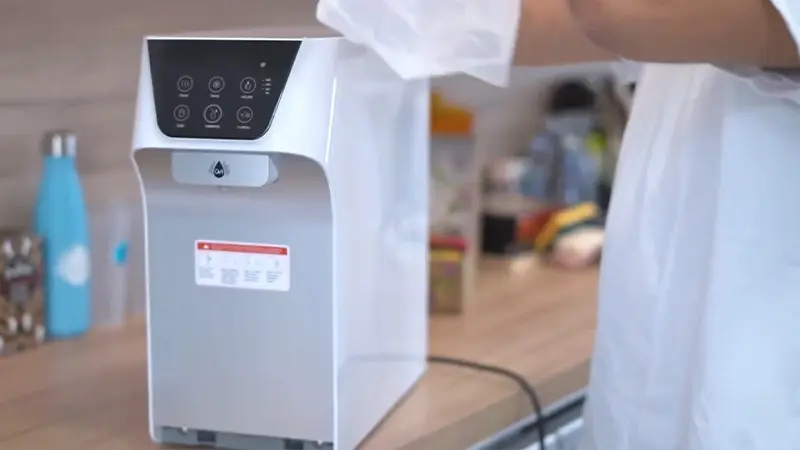
No videos are available for this model.
Answers to frequently asked questions
Quickly find an answer by keyword or symptom.
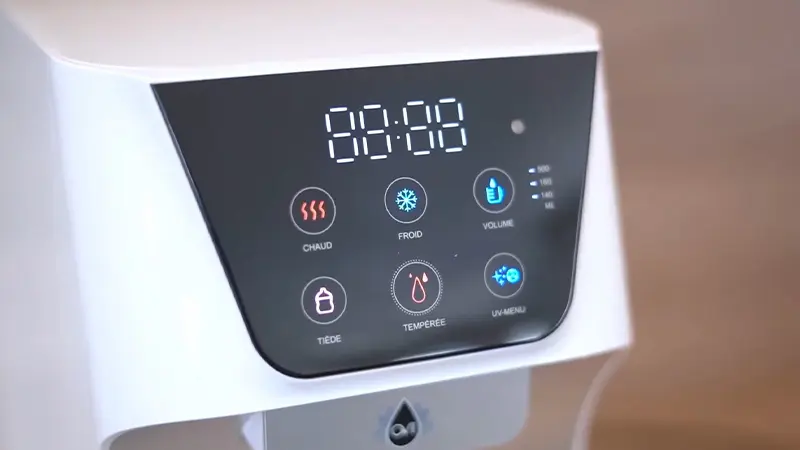
Go to the "Settings" menu, find the "S" option for sound, and turn it off using the blue or red button for "On" or "Off."
In "Settings," adjust the hot water ("H" for HOT) and cold water ("C" for COLD) to your liking. It is recommended to set the cold water to 8-10°C and the hot water to 90°C.
- For error E400: This means that there is no water in the tanks. Make sure to fill the hot and cold water tanks following the instructions in the manual or video tutorial.
- For error E300: This indicates that the hot water tank is empty while the cold water tank is full. Fill the hot water tank to resolve this issue.
The appliance has a child safety lock for hot and warm water. To temporarily disable it, press "Hot" and "Warm" simultaneously for hot water, and "Warm" and "Warm" for warm water. To disable Child Safety mode, go to Settings and disable the "Lock" option.
If the appliance has not been used for more than 3 to 4 hours, the lukewarm water may absorb some heat from the neighboring tanks. Let about 500 ml of water run out so that the temperature returns to lukewarm.
Eco mode uses a light sensor to save energy by putting the device into standby mode when there is no light in the room. Enable or disable this feature in the "Settings" menu.
No questions are available for this model.
Didn't find it?
Our team will help you resolve the issue and get your OVI back up and running quickly.

